
ow does Googlebot work? It discovers web pages, crawls their content, follows links, renders important resources, and sends what it finds to Google’s indexing systems. If you want your pages to appear in search results, you need to understand how this process works before blaming rankings, keywords, or backlinks.
Googlebot is not a magic visitor that instantly understands every website. It needs clear access, useful links, fast-loading pages, clean code, and signals that show which content matters most. This guide explains the process in plain English, so you can help Google find, understand, and index your best pages more efficiently.
How Googlebot Finds Pages On The Web
Googlebot begins with URLs it already knows, then expands its list through links, sitemaps, redirects, feeds, and submitted pages. When your site earns links from other crawlable pages, Googlebot can use those paths to discover new content without needing you to submit every URL manually.
Discovery does not always mean indexing, because Google may crawl a page and still decide not to index it. If you manage many pages, a bulk index checker can help you review which URLs appear in Google and spot pages that may need technical attention. This gives you a faster way to separate pages that are visible from pages that need crawlability, quality, or indexing improvements.
Googlebot also uses XML sitemaps to understand which pages you want discovered, especially on large websites with deep categories, product filters, or older blog posts. A sitemap is not a ranking boost by itself, but it gives Google a cleaner list of important URLs and helps reduce discovery gaps.
You should also make sure your important pages are reachable through internal links, not only through a sitemap. If a page has no meaningful internal links pointing to it, Google may treat it as less important or may discover it later than expected.
How Does Googlebot Work During Crawling?
How does Googlebot work during crawling? It sends a request to your server, downloads the page, checks the response code, reads the HTML, and looks for links and resources that help Google understand the page. This is similar to a browser requesting that your website load, but Googlebot does it at scale across billions of URLs.
Your server response matters a lot during this stage. A 200 status code tells Google the page is available, a 301 redirect tells Google the page has moved permanently, and a 404 tells Google the page is missing.
Googlebot does not crawl every page with the same urgency. Pages that change often, receive strong internal links, earn backlinks, or sit close to your homepage may get crawled more frequently than pages buried deep in your site.
Crawl budget becomes more important as your website grows. If your site has thousands of low-value URLs, duplicate pages, tracking parameters, and broken links, Googlebot may spend time on the wrong pages instead of your best content.
Good crawling depends on simplicity. Use clean URLs, fix broken pages, reduce redirect chains, avoid unnecessary duplicate URLs, and make sure important content is not hidden behind blocked resources or confusing navigation.
What Happens After Googlebot Crawls A Page?
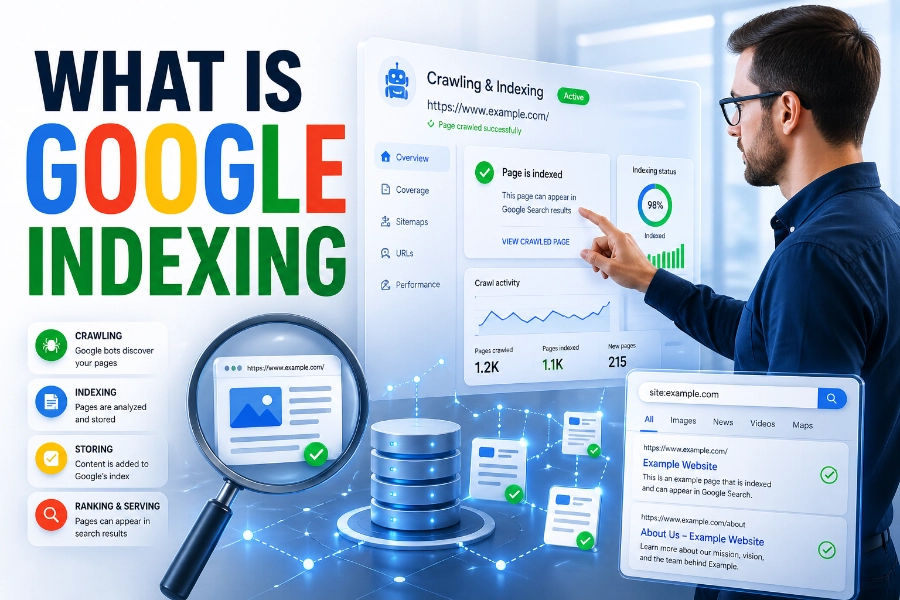
After Googlebot crawls a page, Google processes the downloaded content to understand what the page contains and whether it deserves to be indexed. This step includes reading the text, headings, links, canonical tags, structured data, images, and other signals that explain the page’s purpose.
Crawling is only the first door; indexing is the next one. If a URL is crawled but not indexed, a guide to fixing page indexing issues can help you understand common causes, such as thin content, noindex tags, duplicate pages, canonical conflicts, or blocked access. This matters because a page cannot earn organic traffic from Google if it never becomes eligible to appear in search results.
Google may also render the page, especially when important content depends on JavaScript. During rendering, Google attempts to load the page more like a modern browser so it can see content that may not appear in the first HTML response.
However, rendering can be delayed or complicated if your site depends heavily on scripts. For better reliability, place important text, links, headings, and metadata in crawlable HTML whenever possible.
Why Crawl Frequency Is Different For Every Website
Googlebot does not crawl every website daily, and it does not crawl every page on the same schedule. Crawl frequency depends on factors such as site authority, server health, page importance, update frequency, internal linking, backlinks, and how often Google finds meaningful changes.
Fresh websites may be crawled slowly at first because Google is still learning their structure and value. Larger or trusted sites with frequent updates may receive more regular crawling because Google expects new or changed content to appear there.
If you are trying to understand crawl patterns, how often does google crawl a site explains why some pages are revisited quickly while others wait longer. That topic is useful because crawl frequency is influenced by technical health, content updates, and the importance Google assigns to different URLs.
You should not measure SEO health only by crawl frequency. A frequently crawled page can still perform poorly if the content is weak, duplicated, slow, or misaligned with search intent.
The best approach is to give Googlebot clear reasons to return. Update important pages when needed, strengthen internal links, fix technical errors, and avoid filling your site with pages that add little value.
How Googlebot Handles Links And Site Structure
Links are the roads Googlebot uses to travel through your website. When one page links to another, Googlebot can discover the destination page and use that connection to understand how your content is organized.
Internal links also help distribute importance across your site. A page linked from your homepage, main navigation, or relevant high-traffic articles usually sends stronger signals than a page hidden several clicks deep.
Anchor text matters because it gives Google context about the linked page. Descriptive anchor text is more useful than vague phrases because it tells both readers and crawlers what to expect before they click.
A strong site structure groups related topics logically. For example, a website about technical SEO should connect crawling, indexing, robots.txt, sitemaps, canonical tags, and internal linking in a way that feels natural.
Avoid orphan pages whenever possible. If a page is not linked from anywhere on your site, Googlebot may still find it through a sitemap or external link, but it has fewer internal signals showing why the page matters.
How Robots.txt Affects Googlebot
Robots.txt is a file that tells crawlers which areas of your site they are allowed or disallowed to crawl. It is useful when you want to prevent Googlebot from wasting time on admin pages, internal search results, duplicate filter pages, or low-value technical URLs.
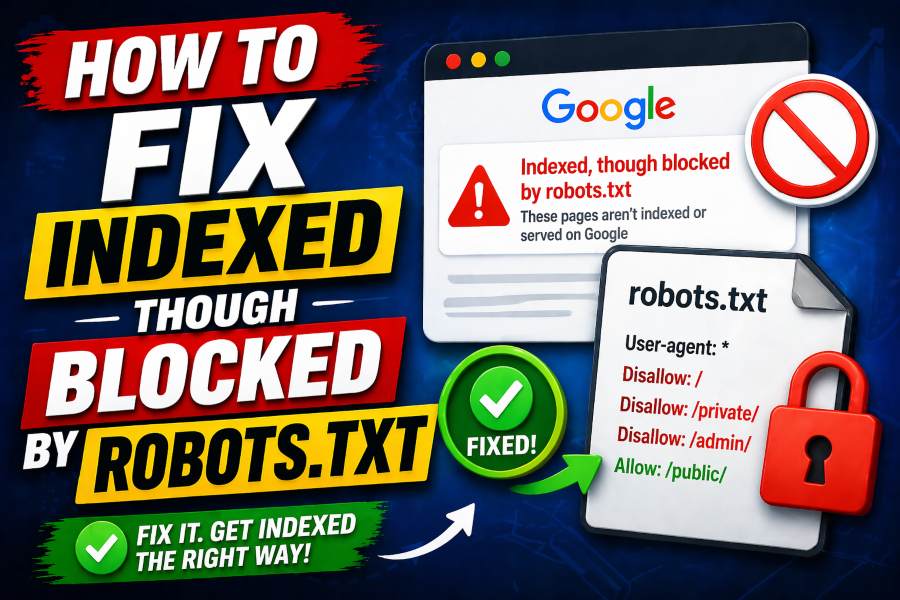
However, robots.txt controls crawling, not guaranteed indexing. A blocked URL may still appear in search results if Google discovers it through external links, although Google may not show a proper snippet because it cannot crawl the content.
You should use robots.txt carefully because one mistake can block important parts of your site. Accidentally disallowing your blog, product pages, or CSS and JavaScript files can weaken Google’s ability to access and understand your content.
If your goal is to remove a page from search results, noindex is usually the better option. But Google must be able to crawl the page to see the noindex directive, so blocking the page in robots.txt at the same time can create problems.
Robots.txt is best used as a crawl-management tool, not a privacy tool. Sensitive pages should be protected with authentication because a public robots.txt file can reveal the paths you are trying to hide.
How Noindex, Nofollow, And Canonicals Guide Googlebot
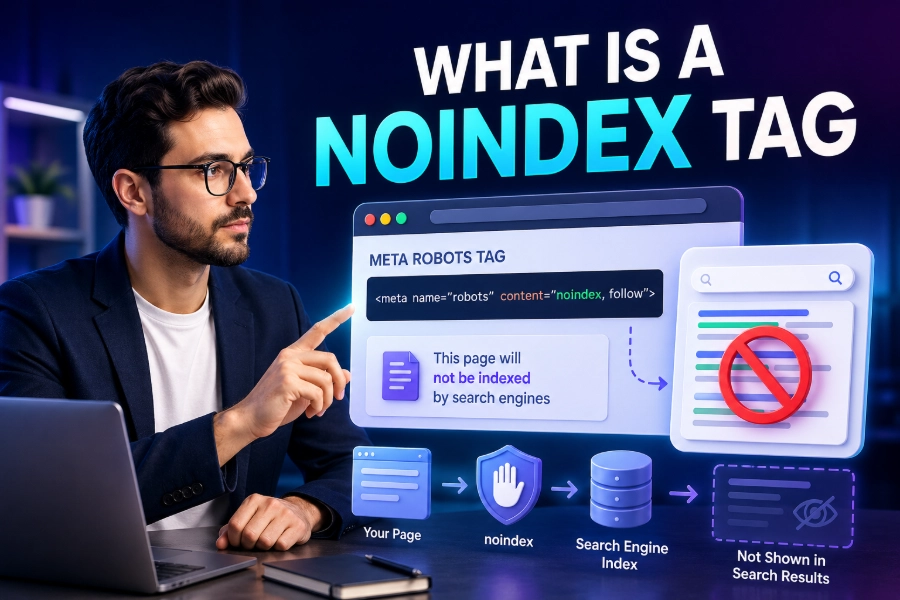
Noindex tells Google that a page should not be included in search results. It is helpful for thin pages, thank-you pages, internal result pages, or content that serves users but should not compete in organic search.
Nofollow tells Google not to pass normal link signals through a link, although Google now treats many link attributes as hints rather than absolute commands. You should avoid using nofollow across important internal links because it can weaken discovery and confuse your site structure.
Canonical tags tell Google which version of similar or duplicate content should be treated as the main version. This is useful when product pages, tracking URLs, printer-friendly pages, or filtered category pages create multiple URLs with similar content.
These directives must work together logically. A canonical tag pointing to a blocked page, a noindex tag on a canonical page, or mixed signals across duplicate URLs can make Google’s decision harder.
You should audit these signals regularly because small mistakes can cause major indexing problems. A single misplaced noindex tag on a template can quietly remove many important pages from search visibility.
Why Mobile First Indexing Matters
Google primarily uses the mobile version of your content for indexing and ranking. That means your mobile pages should contain the same important text, links, headings, structured data, images, and metadata as your desktop pages.
Mobile-first indexing does not mean Google ignores desktop completely. It means the mobile version is the main version Google relies on when evaluating what your page offers.
If your mobile page hides important content, removes internal links, or loads weaker metadata, Google may understand less than you expect. This is a common issue when websites use separate mobile layouts or simplify pages too aggressively.
Mobile usability also affects how well users interact with your site after arriving from search. Slow pages, tiny buttons, intrusive pop-ups, and broken layouts can frustrate visitors and reduce engagement.
The safest approach is responsive design with consistent content across devices. Make your mobile pages fast, readable, complete, and easy to navigate so Googlebot and real users see a high-quality experience.
How Page Speed And Server Health Affect Crawling
Googlebot wants to crawl efficiently without overwhelming your server. If your site responds slowly, throws frequent server errors, or times out often, Google may reduce crawling to avoid causing more problems.
Fast pages help Googlebot process more URLs with fewer wasted resources. Speed also helps users, which makes it one of those rare technical improvements that supports both crawling and conversion.
Server errors can create serious SEO issues when they happen repeatedly. A few temporary errors are normal, but ongoing 5xx responses can cause Google to crawl less often and trust your availability less.
You should monitor server logs, Google Search Console reports, and crawl stats to find patterns. Look for spikes in errors, blocked resources, redirect loops, soft 404s, and pages that Google requests too often without value.
Improving server health does not require fancy tricks. Use reliable hosting, compress files, cache assets, reduce heavy JavaScript, optimize images, and remove unnecessary redirects to speed up crawling.
How JavaScript Rendering Changes Googlebot’s Job
Modern websites often use JavaScript to load menus, product details, reviews, filters, and article sections. Googlebot can render JavaScript, but that does not mean every JavaScript-heavy page is equally easy for Google to process.
When content appears only after scripts run, Google may need extra rendering resources to see it. This can delay indexing or cause problems if scripts fail, load slowly, or are blocked by robots.txt.
Important SEO elements should not depend entirely on fragile scripts. Your title, meta description, canonical tag, main copy, primary links, and structured data should be easy for Google to access reliably.
Client-side rendering can work, but it needs careful testing. Use tools like URL Inspection, live testing, rendered HTML checks, and server logs to confirm that Google can see the same key content users see.
If your pages rely heavily on JavaScript, consider server-side rendering or dynamic rendering alternatives where appropriate. The goal is not to avoid JavaScript completely, but to make essential content crawlable, renderable, and stable.
How Sitemaps Help Googlebot Understand Priorities
An XML sitemap gives Google a structured list of URLs you want discovered. It is especially helpful for large websites, new sites, sites with deep pages, and websites where some important URLs do not receive many internal links yet.
A sitemap should include clean, canonical, indexable URLs. Do not fill it with redirected pages, blocked pages, noindex pages, duplicate URLs, or low-quality pages you do not actually want Google to consider.
Sitemaps also help Google notice updates when you use accurate lastmod dates. However, changing lastmod dates without meaningful page updates can reduce trust in that signal.
You should still build strong internal links because a sitemap does not replace site architecture. Google can discover a URL through a sitemap, but internal links help explain context, importance, and relationship to other pages.
For best results, submit your sitemap to Google Search Console and keep it clean over time. A well-maintained sitemap is like a reliable map, while a messy sitemap tells Google to visit roads that lead nowhere useful.
How Googlebot Decides What Deserves Indexing
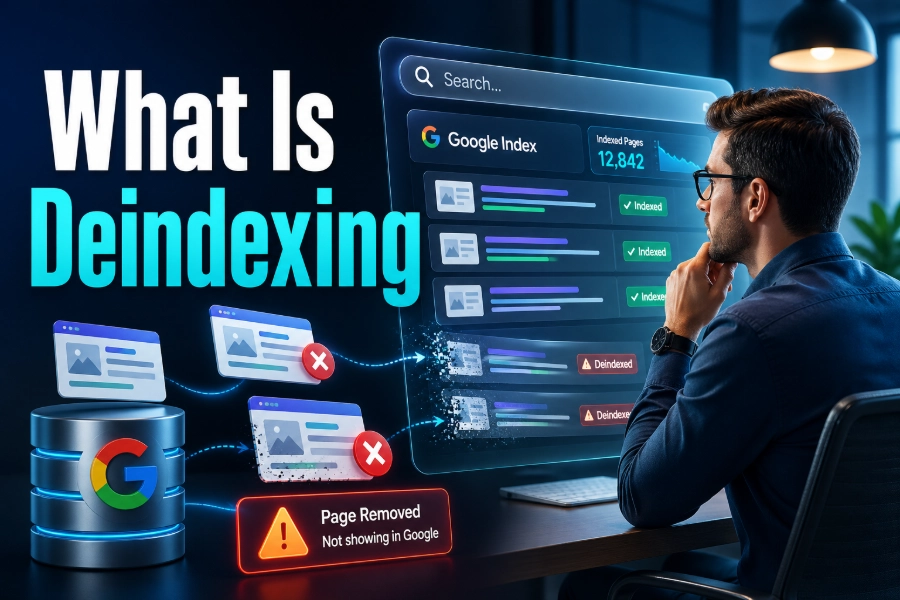
Google does not index every page it crawls. After crawling and processing, Google evaluates whether the page is useful, unique, accessible, and worth storing in its search index.
Thin pages often struggle because they do not offer enough original value. If your page repeats information found everywhere else without clearer explanations, better structure, stronger examples, or a more helpful angle, Google may ignore it.
Duplicate content can also reduce indexing efficiency. If many URLs show nearly the same content, Google may choose one version and leave the others out.
Search intent matters because Google wants to index pages that satisfy real user needs. A page about Googlebot should explain crawling, rendering, indexing, robots.txt, sitemaps, mobile-first indexing, and practical troubleshooting instead of repeating shallow definitions.
To improve indexability, make each page worth Google’s storage space. Write original content, answer related questions, support claims with clear explanations, and remove pages that exist only to target keywords without helping users.
Common Googlebot Problems You Should Fix
The most common Googlebot problems come from blocked access, weak structure, poor server responses, duplicate pages, and confusing directives. These issues can stop good content from performing even when your writing and keyword targeting are strong.
Start by checking whether important pages return a 200 status code. Then confirm that they are not blocked by robots.txt, tagged noindex, canonicalized to another page by mistake, or hidden behind login walls.
Next, review your internal links. Important pages should receive links from relevant pages, use descriptive anchor text, and sit close enough to your main site structure for Googlebot to reach them easily.
You should also inspect pages that are crawled but not indexed. These pages may be too similar to others, too thin, too slow, poorly linked, or not helpful enough compared to competing pages.
Fixing Googlebot issues is not about chasing one perfect setting. It is about removing friction so Google can discover your pages, understand their purpose, and decide they deserve a place in the index.
Conclusion
How does Googlebot work? It discovers URLs, crawls pages, follows links, renders resources, reads technical signals, and helps Google decide what should be added to the search index. When you understand that journey, SEO becomes less mysterious and much more practical. You stop thinking only about keywords and start improving the paths Googlebot uses to reach your content.
A crawlable website has clear links, clean sitemaps, fast pages, stable servers, accessible mobile content, and directives that send consistent signals. You also need strong, original content because crawling alone does not guarantee indexing or rankings. If you want better search visibility, make your site easy for Googlebot to crawl, easy for Google to understand, and genuinely useful to people searching for answers.