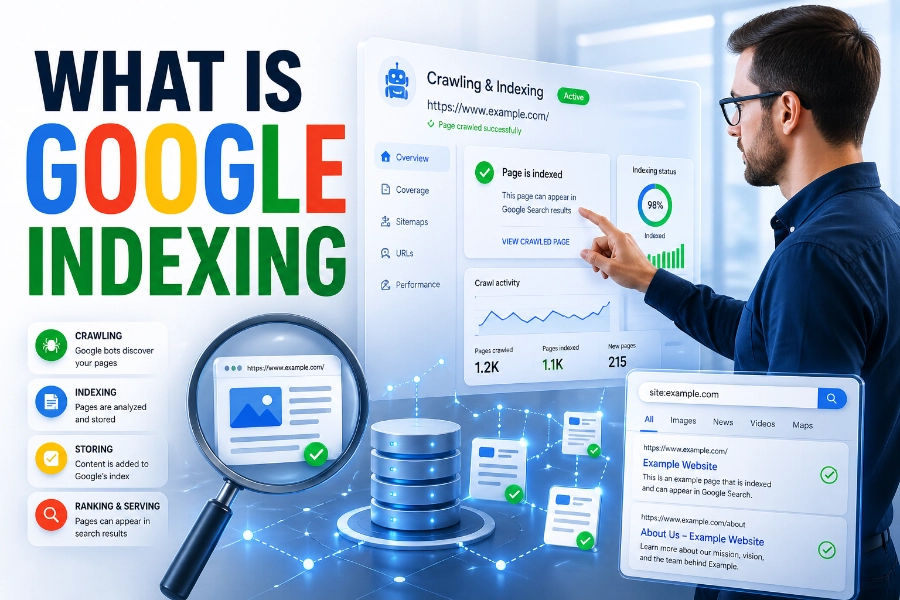
What is Google indexing? It is the process Google uses to store, organize, and prepare web pages so they can appear in search results when people look for relevant information. If your page is not indexed, it has no real chance of gaining organic traffic from Google, even if the content is useful, original, and well-written.
Indexing is one of the most important parts of SEO because it connects your website to search visibility. In this guide, you will learn how Google indexing works, why pages get excluded, how to check index status, and what you can do to help your most valuable pages appear in search.
What Is Google Indexing In SEO?
Google indexing is the step where Google analyzes a discovered page and decides whether to add it to its search database. Think of the index as Google’s massive library, where each accepted page is stored with information about its topic, structure, content, links, media, quality, and relevance.
A page must usually be discovered before it can be indexed, and that discovery often happens through links, sitemaps, or direct URL submission. When you manage several URLs, a tool like bulk index checker helps you review index status faster, so you can separate pages that need attention from pages already visible to Google. This makes indexing checks more practical for site owners, marketers, bloggers, and SEO teams working with large websites.
Indexing does not guarantee top rankings, but it creates the possibility of ranking. A page can be indexed and still perform poorly if it targets the wrong keyword, lacks depth, loads slowly, or fails to satisfy search intent. That is why smart SEO does not stop at asking whether a page is indexed; it also asks whether the page deserves to rank.
How Google Finds Pages Before Indexing
Google usually finds pages through crawling, which is the process of sending automated bots to discover URLs across the web. These bots follow links from one page to another, read sitemaps, revisit known sites, and look for new or updated content that should be evaluated.
Your internal links play a major role in discovery because they show Google which pages belong together. If an important page has no internal links pointing to it, Google may treat it as an orphaned page, which can delay discovery or reduce the chance of regular crawling.
Sitemaps also help because they give Google a structured list of URLs you want crawled. A sitemap does not force Google to index every page, but it makes discovery easier and gives search engines clearer signals about your site structure, especially when your website has many pages.
Crawling, Rendering, Indexing, And Ranking
Crawling, rendering, indexing, and ranking are connected, but they are not the same thing. Crawling means Google discovers the URL, rendering means Google processes the page as users may see it, indexing means Google stores useful page information, and ranking means Google decides where the page appears for a search.
Rendering matters because many modern websites use JavaScript, images, videos, scripts, and dynamic page elements. If Google cannot properly render important content, it may misunderstand the page or miss valuable information that should support indexing and ranking.
Technical issues can stop this process at different points, and that is why site owners often need clear troubleshooting steps. When a page is discovered but still missing from search, a resource about how to fix page indexing issues can help readers understand common blockers such as noindex tags, weak content, crawl errors, and duplicate pages. This kind of guidance is useful because indexing problems often come from small technical mistakes rather than one obvious failure.
Why Indexing Matters For Organic Visibility
Indexing matters because Google cannot rank a page it has not accepted into its index. You can write a brilliant article, build a beautiful landing page, or publish a helpful product guide, but if Google does not index it, searchers will not find it through normal organic results.
For businesses, indexing affects visibility, leads, sales, and brand trust. If your service pages, blog posts, category pages, or location pages are not indexed, you lose opportunities to reach people who are already searching for what you offer.
A sitemap supports visibility by helping Google discover the pages you consider important. If you are wondering is sitemap important for SEO, the answer is yes because a clean sitemap can guide crawlers toward useful URLs and make large or newly updated websites easier to understand. It is not a magic ranking tool, but it is a smart technical signal that supports better crawl access.
Why Google May Not Index A Page
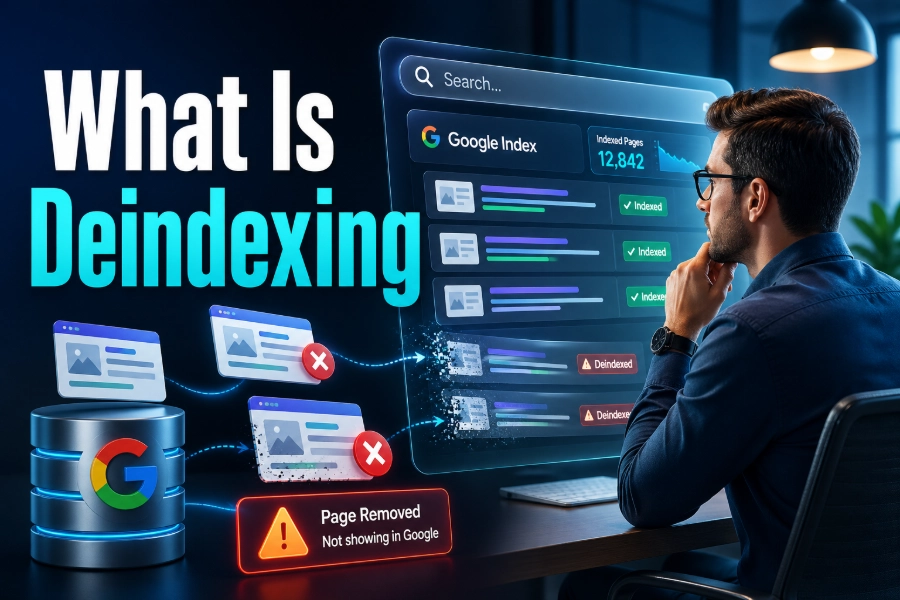
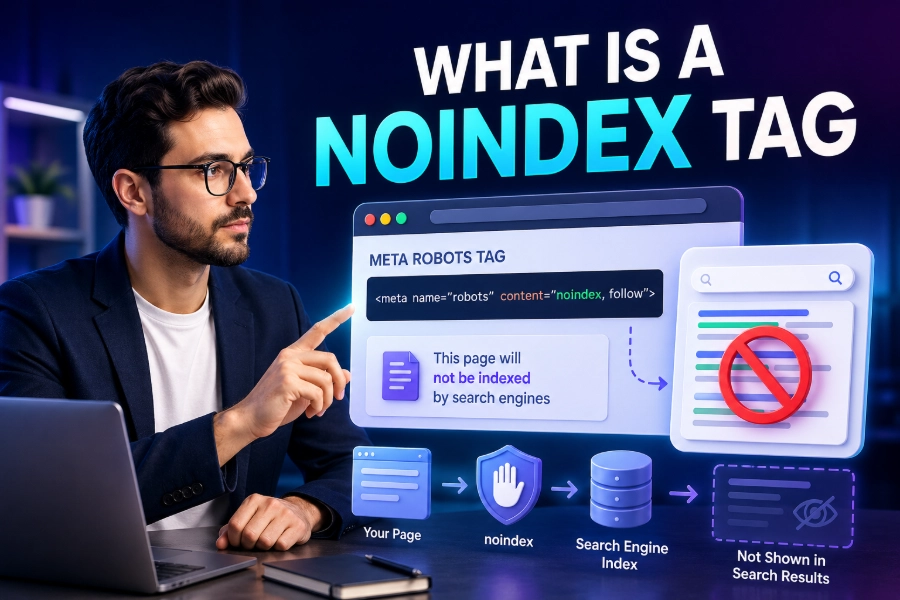
Google may avoid indexing a page when it sees low value, technical restrictions, or confusing signals. Common causes include noindex tags, robots.txt blocks, duplicate content, thin content, poor internal linking, canonical tag mistakes, soft 404 errors, and server problems.
Thin content is one of the biggest problems because Google wants to index pages that add clear value. If a page repeats information found elsewhere, lacks original insight, or exists only to target a keyword without helping readers, Google may decide it does not deserve a place in the index.
Duplicate content can also weaken indexability when Google sees several similar URLs competing against each other. In that case, Google may choose one version and ignore the others, especially if canonical tags, redirects, and internal links send mixed signals.
Indexing Is Not The Same As Ranking
A common SEO mistake is thinking that an indexed page is automatically a successful page. Indexing only means the page is eligible to appear in Google search results, while ranking depends on relevance, usefulness, authority, search intent, freshness, and user experience.
For example, your page may be indexed but buried far below stronger competitors. That can happen when competing pages explain the topic better, include clearer examples, earn better links, load faster, or match the searcher’s needs more closely.
This difference matters because the solution changes depending on the problem. If a page is not indexed, you need to investigate crawlability, quality, duplication, and technical settings, but if it is indexed and not ranking, you need to improve content depth, keyword targeting, internal links, authority, and search intent alignment.
How To Check If Google Indexed Your Page
The easiest way to check a single page is to use Google Search Console’s URL Inspection tool. It can show whether a URL is indexed, whether Google discovered it, when it was last crawled, and whether any indexing issues are present.
You can also use search operators, but they are less reliable for serious SEO work. A search like site:yourdomain.com/page-url may give a quick clue, yet Search Console provides better diagnostic information because it comes directly from Google’s own reporting system.
For websites with many pages, checking URLs one by one becomes slow and messy. That is where bulk checking, sitemap reviews, crawl reports, and index coverage monitoring become more useful because they help you spot patterns instead of treating every URL as a separate mystery.
How To Help Google Index Pages Faster
You can help Google index pages faster by making them easy to discover, easy to crawl, and worth indexing. Start with strong internal links, a clean XML sitemap, fast page speed, mobile-friendly design, original content, and clear canonical tags.
After publishing a new important page, submit it in Google Search Console. This does not guarantee instant indexing, but it can encourage Google to crawl the URL sooner than waiting for natural discovery through links.
You should also link to new content from relevant older pages. Internal links pass context, help users move through your site, and tell Google that the new page belongs to a meaningful topic cluster rather than sitting alone without support.
Content Quality And Indexing Decisions
Google does not want to index every page on every website. It wants useful pages that answer real questions, provide original value, and improve the search experience for users.
This means your content should not simply repeat definitions already found on dozens of other sites. It should explain the topic clearly, add practical examples, solve related problems, and guide readers toward the next step with confidence.
Quality also includes structure. Clear headings, short paragraphs, descriptive subheadings, helpful bullet points, accurate facts, and natural keyword usage all make content easier for people and search engines to understand.
What Strong Indexable Content Usually Includes
Strong indexable content usually has a clear purpose, a specific audience, and enough depth to satisfy the search query. It answers the main question early, explains supporting details, and avoids filler that wastes the reader’s time.
It also includes original phrasing, practical advice, and a logical structure. When readers stay engaged because the page solves their problem, you send stronger quality signals through better interaction and clearer content usefulness.
Technical SEO Factors That Affect Indexing
Technical SEO can either support indexing or quietly block it. A page may have great content, but if the technical setup tells Google not to index it, blocks crawling, or creates duplicate URL confusion, the page may never appear in search.
Important technical elements include robots.txt rules, meta robots tags, canonical tags, redirects, HTTP status codes, page speed, mobile usability, structured data, and server stability. Each one gives Google signals about whether a page should be crawled, rendered, indexed, ignored, consolidated, or removed.
You should also watch for accidental noindex tags after redesigns, migrations, staging-site launches, or plugin changes. Many indexing issues happen not because someone planned them, but because a setting was copied from a test environment or changed during routine website maintenance.
Internal Linking And Crawl Depth
Internal linking helps Google understand your website hierarchy and find important pages. When a valuable page is linked from your homepage, category pages, navigation, or related articles, Google receives stronger signals that the page matters.
Crawl depth is also important because pages buried too deep may receive less attention. If a user or crawler needs six or seven clicks to reach a key page, that page may appear less important than content linked closer to the homepage.
A strong internal linking strategy connects related pages naturally. Instead of forcing links everywhere, you should add links where they help users continue learning, compare related topics, or move from informational content to useful service or product pages.
Common Indexing Mistakes To Avoid
Many indexing mistakes are simple but costly. Site owners often publish pages without internal links, forget to update sitemaps, block key folders in robots.txt, use noindex tags accidentally, or create several similar pages targeting nearly the same keyword.
Another mistake is assuming every page should be indexed. Thank-you pages, thin tag pages, internal search result pages, duplicate filters, and low-value archives often do not need to appear in Google search results.
You should focus on getting your best pages indexed, not every possible URL. A cleaner index profile helps Google spend more attention on pages that actually deserve visibility and can bring useful traffic to your site.
Quick Indexing Checklist
Use this checklist when a page is not appearing in search:
- Confirm the page does not have a noindex tag.
- Check whether robots.txt blocks crawling.
- Make sure the page is included in your sitemap.
- Add internal links from relevant pages.
- Improve thin or duplicate content.
- Review canonical tags and redirects.
- Test mobile usability and loading speed.
- Inspect the URL in Google Search Console.
How Long Google Indexing Takes
Google indexing can happen in hours, days, weeks, or longer, depending on the page and the website. There is no fixed timeline because Google considers crawl demand, crawl capacity, site authority, content quality, freshness, internal links, and technical accessibility.
New websites often take longer because Google has less historical trust and fewer signals to evaluate. Established websites with strong internal links, frequent updates, and useful content may see new pages discovered and indexed much faster.
The best approach is to control what you can. Publish high-quality content, make pages easy to crawl, submit important URLs, maintain a clean sitemap, and keep technical SEO healthy so Google has fewer reasons to delay or ignore your pages.
Measuring Indexing Success Over Time
Indexing success should be measured by more than one page appearing in search. You should track how many valuable pages are indexed, which pages are excluded, why Google excludes them, and whether indexed pages attract impressions, clicks, and rankings.
Google Search Console is the best starting point because it shows indexing status, performance data, queries, pages, impressions, clicks, and technical warnings. When you combine this with crawl reports and content audits, you can see whether your site is becoming easier for Google to understand.
You should review indexing regularly, especially after publishing new content, changing URLs, migrating a website, redesigning pages, or updating technical settings. Regular checks help you catch problems early instead of discovering months later that important pages never entered the index.
Conclusion
What is Google indexing? It is the search engine process that turns a discovered page into a searchable result, making it eligible to appear when users look for related information. Without indexing, your content remains invisible in organic search, no matter how useful it may be.
To improve indexing, focus on clean technical SEO, strong internal links, original content, helpful structure, fast performance, and accurate sitemap management. You should also remember that indexing is only the doorway, not the final destination. Once Google indexes your page, your next job is to make it useful, trustworthy, and relevant enough to rank well.