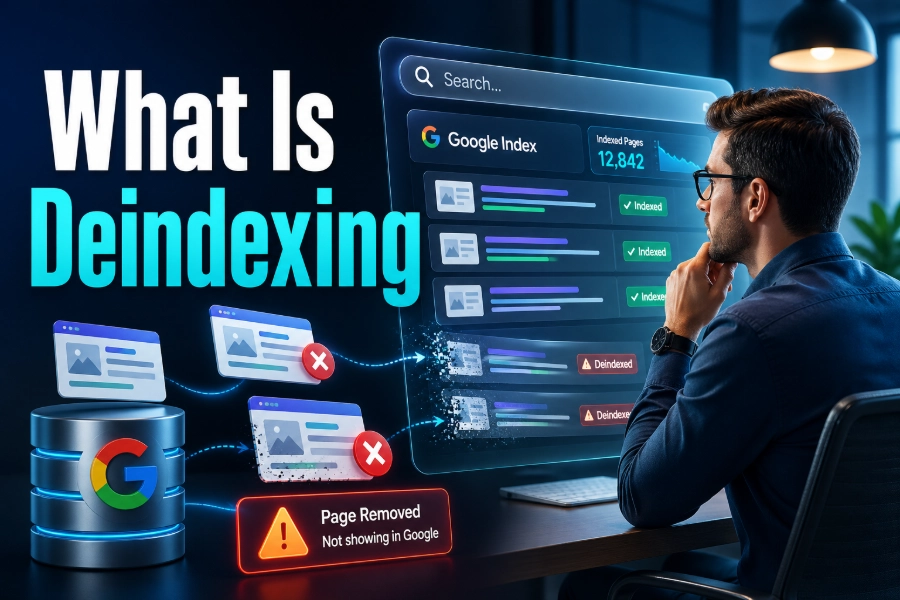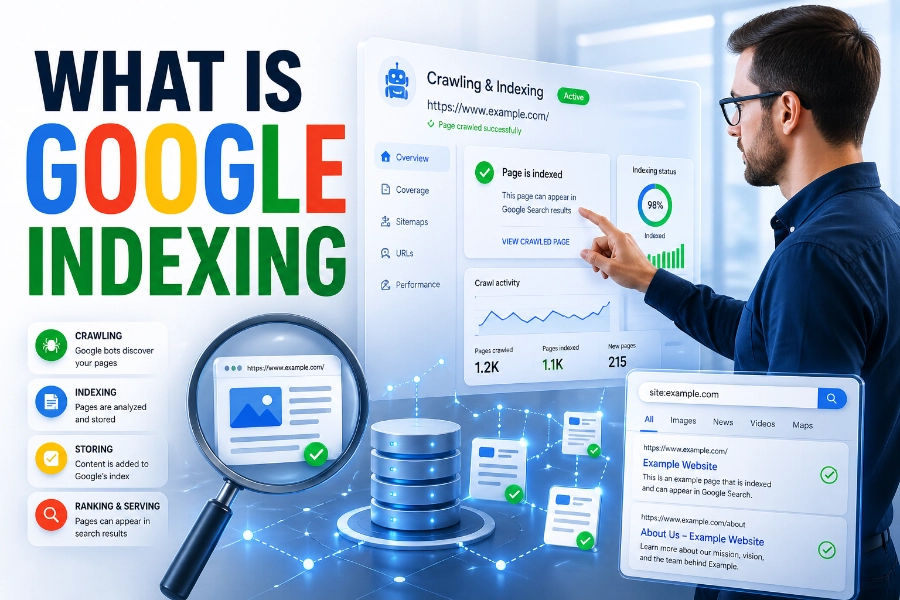

Understanding why your pages are indexed even though they are blocked by robots.txt can feel confusing and frustrating. You may assume blocking a page prevents indexing, but search engines work differently behind the scenes.
This guide walks you through exactly how to fix indexed though blocked by robots.txt issues with practical, proven steps. By the end, you will know how to control both crawling and indexing effectively and protect your SEO performance.
What Indexed Though Blocked By Robots.txt Really Means
When you see this status in Google Search Console, it means Google has added your page to its index, but cannot crawl its content. This happens because robots.txt prevents crawling, but indexing can still occur through external signals.
Search engines often discover URLs from backlinks, internal links, or sitemaps, even when crawling is restricted. As a result, your page may appear in search results with limited or no snippet information.
To better understand how your pages are performing, you should regularly check which pages are indexed instantly and improve your SEO performance while analyzing which URLs are unexpectedly appearing in search results and why they are being indexed despite restrictions.
Why Google Indexes Blocked Pages
Google does not rely only on crawling to index content. It uses signals such as anchor text, backlinks, and URL structure to determine whether a page deserves to appear in search results.
If a blocked page receives strong link signals, Google may still index it without accessing its content. This explains why some pages appear with only a title and URL, rather than a full description.
This behavior highlights a critical SEO misunderstanding. Robots.txt is designed to manage crawling, not to guarantee that a page will stay out of the index.
Difference Between Blocked And Indexed Though Blocked
A page labeled “Blocked by robots.txt” means Google cannot crawl it and has not indexed it. On the other hand, “Indexed though blocked by robots.txt” indicates the page is already in the index despite the crawl restriction.
Understanding this difference helps you make better decisions about how to fix the issue. If your goal is visibility, you must allow crawling, but if your goal is removal, you need a stronger method than robots.txt.
When planning your SEO strategy, understanding tools and automation is essential, and learning about how content generators work and how to use them effectively can help you create optimized content that aligns with proper indexing practices and avoids technical conflicts.
Common Causes Of This Issue
Several technical factors can lead to this problem, even on well-managed websites. One of the most common causes is outdated robots.txt rules that still block pages after a site update or migration.
Another cause is internal linking to blocked pages, which signals importance to Google even when crawling is restricted. External backlinks also contribute significantly to this issue.
Content workflows also play a role in indexing behavior, and understanding AI writing assistant use and benefits can help you streamline content creation while ensuring your pages are properly structured for search engines to crawl and index correctly.
When You Should Fix This Issue
Not every indexed blocked page is a problem. Sometimes, these pages are intentionally restricted, such as admin panels or private resources.
You should fix the issue when important pages are blocked from crawling but still appear in search results. This can hurt your rankings because Google cannot fully evaluate the content.
You should also act if sensitive pages are appearing in search results. In that case, relying on robots.txt alone is not enough to protect your content.
Step By Step Fix For Indexed Though Blocked Issues
Start by identifying the affected URLs in Google Search Console. Review each page carefully to determine whether it should be indexed or removed.
If the page should be indexed, remove the disallow rule from robots.txt and allow Google to crawl it. Then request indexing to speed up the process.
If the page should not be indexed, you must allow crawling temporarily and apply a noindex tag. Once Google processes the noindex directive, you can block crawling again if necessary.
How To Use Noindex Correctly
The noindex tag is the most reliable way to remove a page from search results. Unlike robots.txt, it requires Google to access the page content.
You should place the noindex directive in the page header or HTTP response. Make sure the page is crawlable so Google can detect the instruction.
After implementation, monitor the page status in Search Console until it is removed from the index. This ensures your fix is fully effective.
Fixing Robots.txt Configuration Errors
Review your robots.txt file carefully for overly broad rules. A common mistake is blocking entire directories when only specific pages should be restricted.
Use precise directives to control crawling without affecting important pages. Always test changes using Google’s robots.txt tester before publishing updates.
Small syntax errors can also cause major issues. Double-check your file to ensure proper formatting and avoid unintended blocks.
Managing Internal Linking Structure
Internal links send strong signals to search engines about page importance. If you link frequently to blocked pages, Google may still index them.
Audit your internal linking structure and remove unnecessary links to restricted pages. This reduces the chances of those pages being indexed.
You should also ensure that important pages are properly linked and crawlable. This improves both indexing and overall SEO performance.
Handling External Backlinks To Blocked Pages
External backlinks can cause blocked pages to be indexed even if you never intended them to appear in search results. These links signal value and relevance to Google.
To fix this, consider redirecting the page to a more appropriate URL. This helps preserve link equity while preventing unwanted indexing.
You can also contact site owners to update backlinks if necessary. However, redirects are usually the most practical solution.
Using Redirects And Canonical Tags
Redirects are useful when you want to permanently move a page. A 301 redirect tells search engines to transfer ranking signals to the new URL.
Canonical tags help when duplicate or similar pages exist. They guide search engines to the preferred version for indexing.
Using these methods correctly ensures that your site structure remains clean and optimized. It also prevents indexing conflicts caused by duplicate content.
Monitoring Your Fixes In Search Console
After making changes, track your progress in Google Search Console. Check the indexing report regularly to confirm that your fixes are working.
Look for status updates such as “Excluded” or “Removed” depending on your goal. This helps you verify that Google has processed your changes.
Continuous monitoring is essential for maintaining a healthy site. SEO is not a one-time task but an ongoing process.
Preventing Future Indexing Issues
To avoid similar problems in the future, maintain a clean and updated robots.txt file. Review it regularly, especially after site updates or migrations.
Combine robots.txt with other methods like noindex, redirects, and proper linking strategies. This gives you full control over both crawling and indexing.
You should also audit your site periodically to catch issues early. Preventive SEO is always more effective than reactive fixes.
Conclusion
Fixing indexed though blocked by robots.txt issues requires a clear understanding of how search engines handle crawling and indexing differently. You cannot rely on robots.txt alone to control visibility, so using the right combination of noindex, redirects, and proper linking is essential.
When you take the time to audit your site, fix configuration errors, and monitor performance, you gain full control over how your pages appear in search results. This leads to better rankings, improved user experience, and stronger SEO outcomes.
FAQs
What does indexed though blocked by robots.txt mean in Google Search Console?
It means Google has added a page to its index even though crawling is restricted by robots.txt rules. This happens when Google discovers the URL through links or sitemaps and decides the page is still relevant for search results.
Why is my page indexed even though I blocked it in robots.txt?
Robots.txt prevents crawling but does not guarantee removal from search results. If your page has strong internal or external links, Google may still index it using available signals without accessing the actual page content directly.
How do I remove a page that is indexed though blocked by robots.txt?
To remove the page, allow crawling temporarily and add a noindex tag so Google can process the directive. Once the page is deindexed, you can reapply robots.txt blocking if necessary for further crawl control.
Is robots.txt enough to prevent a page from appearing in search results?
No, robots.txt alone cannot fully prevent indexing because it only controls crawling behavior. To stop a page from appearing in search results, you must use a noindex directive or other stronger methods like authentication or removal tools.
What is the difference between being blocked by robots.txt and indexed, though blocked?
Being blocked by robots.txt means Google cannot crawl or index the page. Indexed though blocked means Google cannot crawl the page but still lists it in search results based on external signals and link-based relevance.
Should I fix the indexed though blocked by robots.txt issues immediately?
You should fix it if the page is important for SEO or if sensitive content appears in search results. If the page is intentionally restricted and harmless, fixing it may not be necessary depending on your overall strategy.
Can internal links cause indexed though blocked by robots.txt issues?
Yes, internal links can signal importance to search engines, leading to blocked pages being indexed. If many pages link to a blocked URL, Google may still include it in search results despite the crawl restriction in place.
How long does it take to fix this indexing issue?
The timeline depends on how quickly Google recrawls your site after changes. Typically, it may take a few days to several weeks for updates like removing blocks or adding noindex tags to reflect in search results.
Will removing robots.txt rules fix the problem completely?
Removing robots.txt rules allows Google to crawl the page, but it does not automatically fix indexing issues. You must ensure the page is optimized for indexing or properly marked with noindex depending on your desired outcome.
How can I prevent indexed though blocked by robots.txt issues in the future?
You can prevent this by combining robots.txt with noindex directives and proper internal linking. Regular audits, accurate configurations, and consistent monitoring in Google Search Console help ensure your pages behave as intended in search engines.